 Candycode
Try our apps live,before you pay.
Real apps with ready demo logins. Place a test order as a customer, accept it as the store and deliver it as the rider, on your own phone, in minutes.
- 8apps on Google Play
- 9demo videos
- 0sign-ups needed
Grocery delivery demo
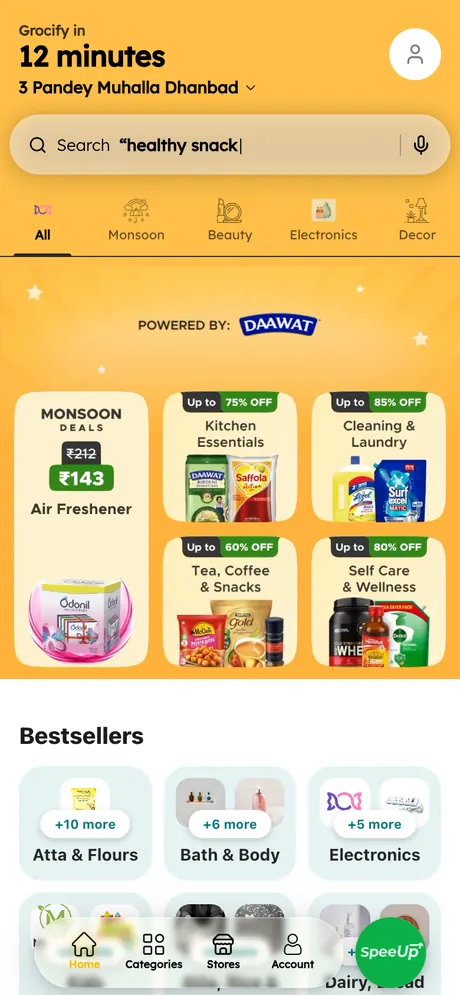
Order groceries as a customer, accept and pack the order as the store, and deliver it as the rider. Three real apps on Google Play.
- 1
Add items in the Grocify app and place the order with Cash on Delivery.
- 2
Open Grocify Partner: the order arrives, accept it and get it ready.
- 3
Open Grocify Driver: accept the delivery, pick it up and mark it delivered.
Shared demo accounts: other people may be testing at the same time. Use Cash on Delivery for test orders.
The apps and demo logins
3 apps on Google Play- GrocifyCustomer app01Email
demo.customer@grocify.candycode.inPasswordGrocify@2026On the login screen tap Email (below the Face ID scan).
Get it on Google Play - Grocify PartnerStore app02Get it on Google PlayEmail
seller@seller.comPasswordGrocify@2026 - Grocify DriverRider app03Get it on Google PlayEmail
demo.driver@grocify.candycode.inPasswordGrocify@2026
Watch the demo videos
5 videos- Grocery app tour
- Custom grocery app
- App walkthrough
- POS barcode scanning
- Grocery app features
Food delivery demo
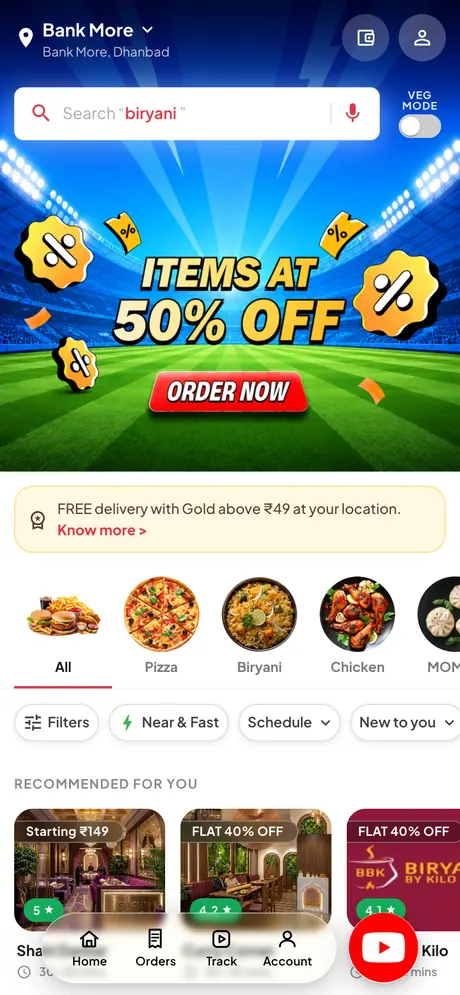
Pick a restaurant and order food as a customer, accept it in the restaurant app, and deliver it as the rider.
- 1
Pick a restaurant in Foodlr, add food and place the order with Cash on Delivery.
- 2
Open Foodlr Partner: the order rings in, accept it.
- 3
Open Foodlr Driver: accept the delivery, pick it up and mark it delivered.
Shared demo: everything resets every 30 minutes, so test freely. Use Cash on Delivery for test orders.
The apps and demo logins
3 apps on Google Play- FoodlrCustomer app01Get it on Google PlayEmail
demo.user@foodlr.candycode.inPasswordFoodlr@2026 - Foodlr PartnerRestaurant app02Get it on Google PlayEmail
store@store.comPasswordFoodlr@2026 - Foodlr DriverRider app03Get it on Google PlayEmail
driver@driver.comPasswordFoodlr@2026
Taxi and bike ride demo
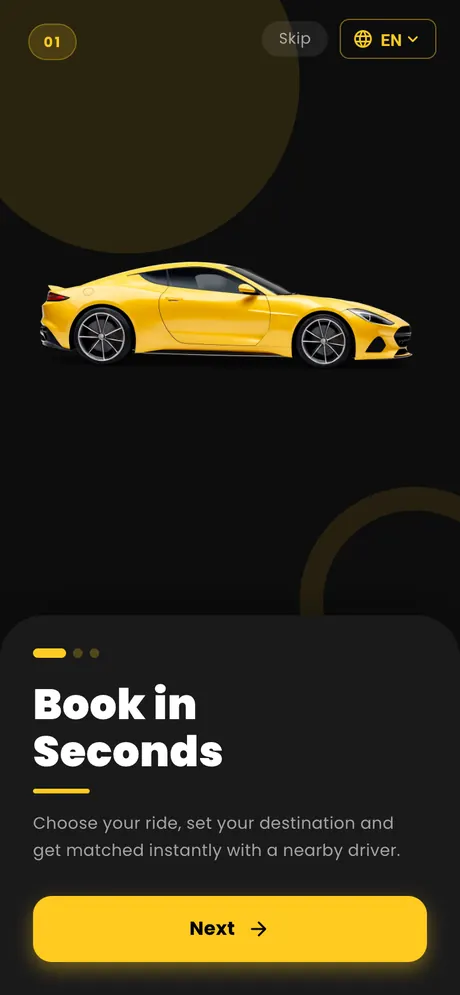
Book a ride as a rider and accept it as a driver. Log in with the demo phone numbers; the OTP fills in by itself.
- 1
Open Xpido Rider, set pickup and drop on the map and book a ride.
- 2
Open Xpido Driver on a second phone and accept the ride.
- 3
Follow the trip live on both phones until it is completed.
Shared demo numbers: other people may be testing at the same time.
The apps and demo logins
2 apps on Google Play- Xpido RiderRider app01Phone
9999977777The OTP fills in by itself.
Get it on Google Play - Xpido DriverDriver app02Phone
9000011111The OTP fills in by itself.
Get it on Google Play
Watch the demo videos
4 videos- Taxi booking app
- Rapido-style ride app
- Ride and delivery flow
- Advance fare system
We walk you through the full admin panel for your product, with your questions answered and a clear quote after.

Tell us what you want to build.
Send a WhatsApp message or fill in the short form. We reply with a demo and a clear quote.